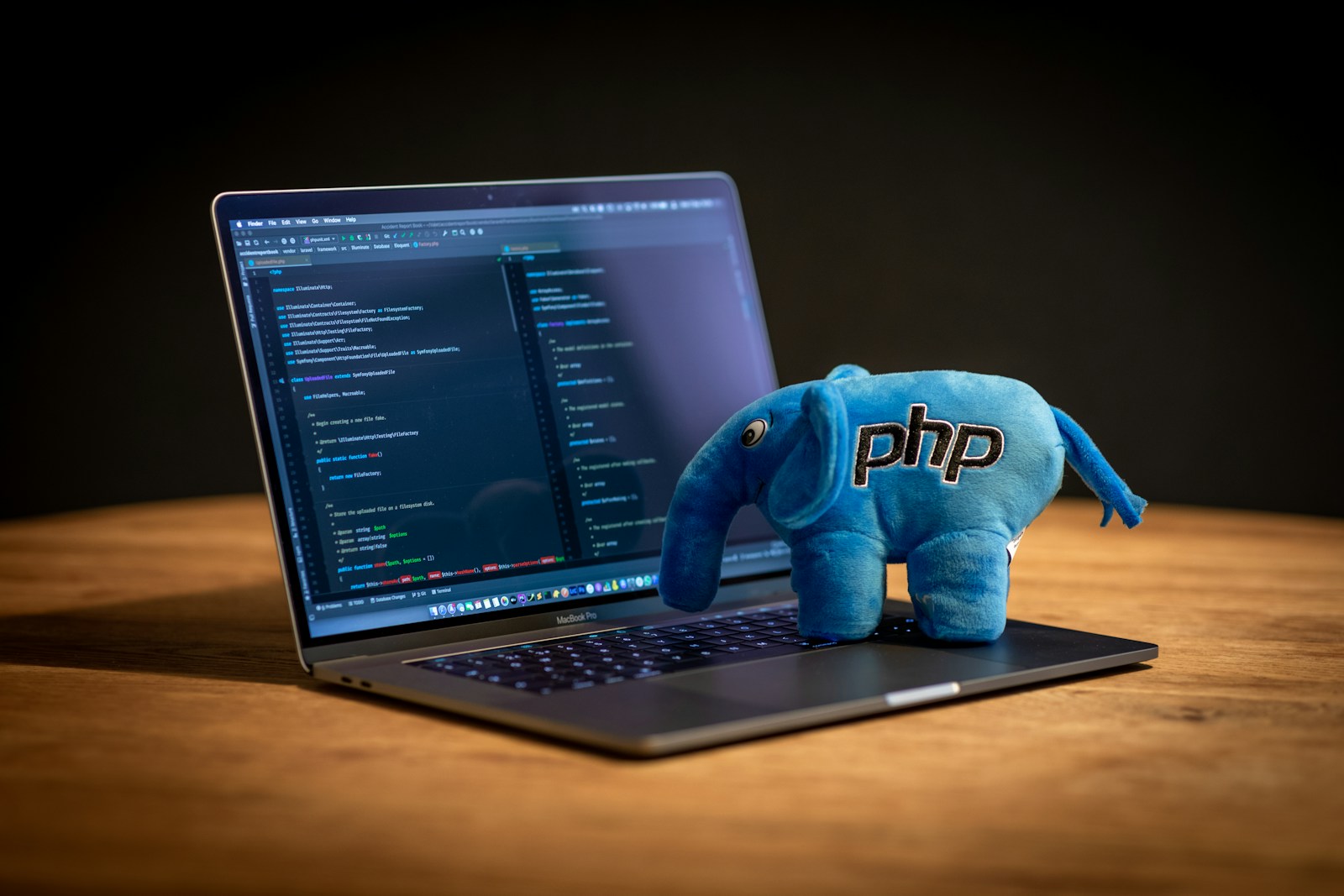
For anyone running their websites or applications on PHP, there’s never been a more important time to upgrade. I made the switch to PHP 8.x not just out of curiosity, but because staying on PHP 7.x left my project at risk in so many ways. Now that PHP 7.4 is no longer supported since late 2022, rolling with the old version just isn’t safe or practical anymore. PHP 8.x delivers quicker speeds, tightens up security, and introduces features that genuinely make development smoother. I’ve seen firsthand how these improvements pay off, especially in performance, code maintainability, and keeping my sites worry-free.
Speed Improvements That Make a Difference
After upgrading to PHP 8.x, one of the first things I noticed was a speed bump across all my apps. With the new Just-In-Time (JIT) compiler kicking in from version 8.0 onward, CPU-heavy tasks now run a lot faster. Some benchmarking in my own environments revealed scripts executing up to 50% quicker compared to using PHP 7.4. This boost means my websites handle more visitors without needing beefier hardware, which trimmed down my server costs. And in the latest PHP 8.x releases, things like type checking and smarter memory use mean the code runs smoother with less wasted power. If you’ve got a busy WordPress site or SaaS, these upgrades can really matter.
- With JIT working in real time, even complex calculations finish up faster, so scale-ups don’t mean paying more for new servers.
- My daily data-crunching functions, especially around arrays and strings, zipped through work at noticeable speed with updates like those in PHP 8.4.
- Putting it to the test, page loads dropped in seconds, users didn’t see that annoying delay, and engagement just kept getting better.
Security That Keeps Up with Modern Threats
Security is another area where sticking with PHP 7.x just feels reckless now. Since it isn’t patched anymore, every new vulnerability is a door left unlocked. PHP 8.x, on the other hand, has weekly updates. They got much stricter about declaring properties, with PHP 8.2 doing away with the old dynamic properties – which used to cause headaches with odd bugs and security holes. If you’re dealing with things like sensitive information, email, or content systems, there’s really no safer bet now than running PHP 8.x.
- Out with the old, risky habits! Now, PHP urges you to state your types and data arrangements clearly, which naturally guards against tricks hackers try.
- New methods to handle JSON make sure APIs only accept what’s really needed, reducing the chances that bad data sneaks in.
- Even most popular web hosts are pushing everyone to move up now, switching focus away from the old support for earlier PHP versions.
Making Development Easier and Cleaner
What really surprised me wasn’t just the speed or security, but how PHP 8.x cleaned up my codebase and made working on apps less of a headache. With new features like union types and named arguments, my functions became a lot easier to write and understand. Using enums since PHP 8.1, I finally built typesafe structures for options – no more random constants or errors from typos. Read-only properties cement these benefits further: It’s now super clear to other developers (or to myself, months later) what the API expects – no embarrassing bugs slipping through.
Let’s break down a few features as I’ve started using them:
- Union types let me define multiple possible types for inputs and outputs, which keeps my code flexible as projects evolve.
- Match expressions replace those messy switch statements, making error handling and logical branching more exact, yet less repetitive.
- Named arguments mean I can skip the order in function calls and just say what goes where openly, making long parameter lists a breeze.
- Attributes help, too, by attaching info right to classes or methods, so longer-term upgrades and syncing with frameworks feel lighter.
- PHP 8.4 gathered some real conveniences – like easier number handling, better HTML DOM work, and even a neat shortcut for instantiating new objects without trailing parentheses.
Ensuring My Projects Stay Ahead
Putting off the leap to PHP 8.x will eventually leave your project clashing with libraries, plugins, and requirements that just won’t budge on supporting old-school PHP. I wanted to be certain my apps could run knocking elbows with things like the latest Laravel, fast-moving WordPress plugins, or cool new scraping tools. The open source and web community is nearly all-in for PHP 8.x now – which pushes everyone together to invent, collaborate, and keep refining daily, not stuck on fixing ancient bugs nobody wants to patch anymore.
- I found several libraries and tools simply do not work unless you’re on at least PHP 8 now, so the sooner I updated, the less I had to worry about being left behind.
- Updating paid off almost immediately: My site shot up in search rankings as loading times improved, making my work more visible and competitive.
- There was another nice cost win: Less heavy work on an old server meant shifting over to leaner, more efficient virtual machines, which also cut my bills.
Making My Sites Faster & Friendlier for Users
The direct user benefit I witnessed post-upgrade: quicker loading everywhere. PHP 8.x didn’t just put my project in line with Core Web Vitals guidelines – pages simply felt quicker, especially under traffic spikes when a story went viral. That meant people hung around longer and interacted instead of giving up and leaving. Even better, search engines responded to those speed gains with improved positions. This was particularly obvious for content-heavy sites I manage, blogs or dashboards, where a faster backend makes a real friendlier frontend.
The Upgrade Path I Took
When it came time to bite the bullet, I made sure to run full tests in a safe environment (usually a clone through my host’s panel or a docker container simulating PHP 8.4). A tool like Rector turned out to be a lifesaver, refactoring most glaring code that was out of date automatically. Of course, I still tackled a few last pesky problems by hand, like warnings related to old dynamic properties. Managing several sites at once, I centralized updates and switched everyone over via bundled hosting controls – then kept an eye on everything with system monitors after the upgrade. In the end, shifting old code to PHP 8.x took perhaps 30% of the effort I’d dreaded, and the future-proofing was worth every step.
Comparing PHP 7.x and PHP 8.x
| Aspect | PHP 7.x | PHP 8.x |
|---|---|---|
| Performance | Average | Shows up to 50% faster |
| Security | No more support | Frequent updates, ongoing fixes |
| Features | Pretty basic | Saves time: unions, enums, JIT |
| Support | Gone since 2022 | Set through at least 2026 |
Looking Toward What’s Next
Upgrading to PHP 8.x put my apps in the driver’s seat for whatever comes in 2025 and beyond – from smart AI tools to heavy traffic seasons. Staying ahead isn’t just about ticking off a checklist. For me, ensuring strong performance, robust security, and welcoming the next generation of features all felt necessary. Updating is worth the investment – now I’m excited for everything new the web will bring, without worrying that my tech is stuck in the past.